SME remote access security is not only about choosing a VPN or adding another login step. It is about knowing which people, suppliers and systems can reach the business network, why they need that access and who is responsible for checking it.
Remote access is now part of ordinary business operations. Staff work away from the office. Engineers maintain equipment remotely. Suppliers may need access to a specific system. A business may use a VPN to connect people to internal resources or rely on firewall rules created during a busy project.
The difficulty is that these routes can accumulate. An account may remain active after a contract ends. A firewall rule may still allow a connection that is no longer needed. A remote-access system may be managed by one supplier while the underlying firewall, Wi-Fi or server is managed by another. If nobody has a current view of the arrangement, the business is left relying on assumptions.
The National Cyber Security Centre provides guidance on VPNs and network architecture, including the security issues organisations need to consider when enabling remote users to access enterprise resources. Its wider guidance also points organisations towards better visibility of devices, connections and dependencies.
For an SME, the business question is straightforward: if someone asked for a reliable map of remote access today, could the business produce one?
Table of Contents
What unclear remote access can cost
Unclear access creates more than a security concern. It can slow maintenance, make fault finding harder and complicate recovery when a business needs a quick answer.
If a remote engineer cannot connect during an urgent fault, the business may lose time while people work out which account, VPN or firewall rule is involved. If a former supplier still has access, the business may not know whether the route was removed. If an access problem affects a server or network device, several suppliers may each understand one part of the setup without anyone holding the complete picture.
The consequence is operational uncertainty at the worst possible time. People spend time reconstructing the environment instead of deciding what to do next.
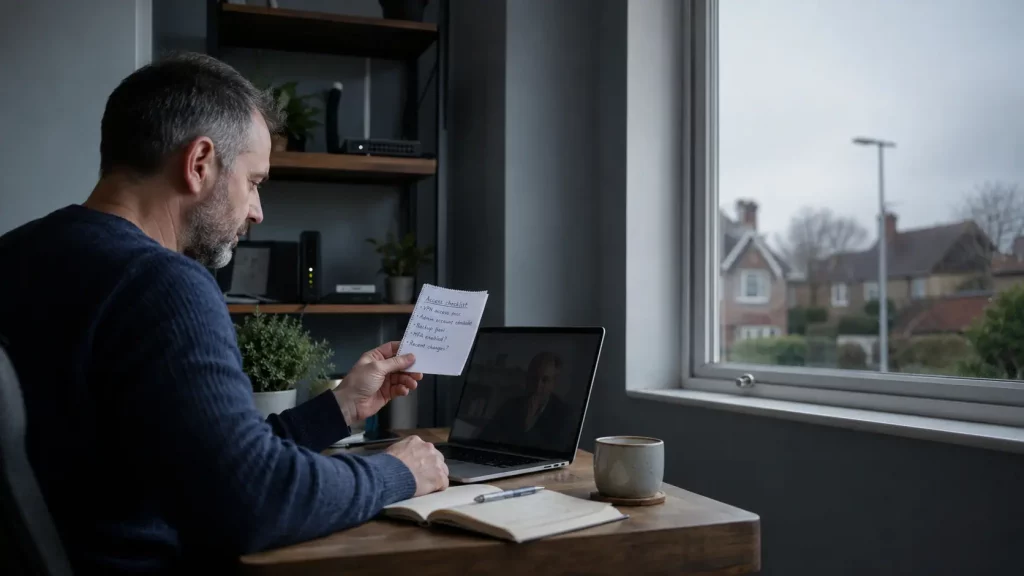
Five SME remote access security checks
1. Can you list every remote-access route?
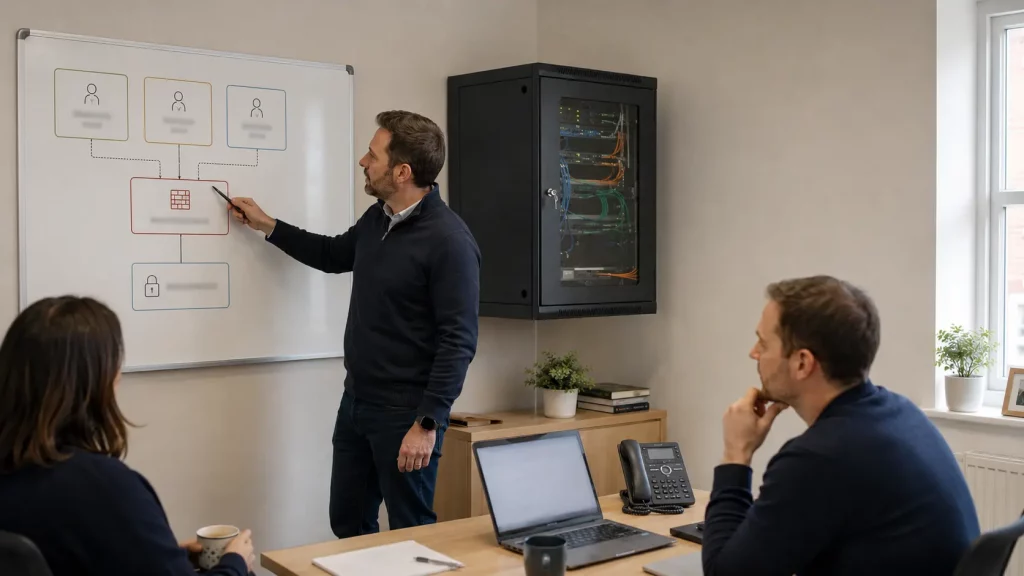
Start with an inventory that a non-specialist manager can understand. Record each way that a person, supplier or system can connect from outside the office or primary site.
- VPN services
- Remote administration tools
- Supplier or engineer accounts
- Firewall management access
- Connections between offices or sites
- Access to servers or network equipment
- Remote access used for maintenance or monitoring
For each route, record its purpose, the system it reaches, the owner, the supplier involved and the date it was last reviewed. The first version does not need to be a complex technical diagram. A clear table is often enough to expose gaps.
If the business cannot produce a reasonably current list, it is difficult to judge whether an access route is still necessary or whether a change could affect another service.
2. Does every account still have a clear owner?
Remote access is usually linked to people, suppliers or technical services. The business should know who is responsible for each account and what happens when that person changes role, leaves the business or finishes a contract.
- Use named users where practical.
- Document any reason for shared accounts.
- Give each supplier connection an internal owner.
- Limit access to the systems needed for the task.
- Remove former staff and supplier access promptly.
- Know who can approve, change or withdraw access.
A supplier may need access to maintain a particular system, but that does not automatically mean the supplier needs broad access to the whole network. The scope should match the work and be reviewed when the work changes.
3. Do you know which firewall rules support remote access?
A firewall rule is part of the business’s operational setup. It may allow a VPN, a supplier connection, remote administration or traffic between sites. If the rule is not documented, a future maintenance change can become a guessing exercise.
For each important rule, the responsible team should be able to explain what connection it permits, which system it supports, who requested it, who owns the decision to keep it, when it was last reviewed and what would happen if it were changed or removed.
The exact technical controls will vary between environments. The practical goal is to connect the technical setting to a business purpose and an accountable owner.
Do not assume that a rule is safe because it has been in place for a long time. Do not assume that changing a rule is harmless because the original request is no longer remembered. Both assumptions create avoidable uncertainty.
4. Can you see what is happening at the network edge?
The network edge is where external connections meet the business environment. It may include a firewall, router, VPN gateway or other equipment that controls or carries remote access.
The business should know what visibility exists around those devices and connections. That includes understanding what is monitored, who reviews relevant information and how a change in behaviour would be investigated.
The NCSC has published guidance stressing the importance of mapping and baselining edge-device traffic, including VPN and remote-access connections, in response to compromised-device activity. The useful SME lesson is to ask whether the business has enough information to recognise an unexpected connection or investigate an unusual access pattern.
Monitoring does not mean that every issue will be prevented or identified immediately. Its value is that it gives the responsible team a clearer view of what is happening and a better starting point when something needs attention.
5. Is the withdrawal and recovery route clear?
A remote-access plan should include the less convenient moments. What happens if a supplier relationship ends, a user leaves, an account is suspected of misuse or a firewall change affects access to an important system?
Agree the practical route for withdrawing access quickly, confirming that the change has taken effect, contacting the responsible technical team, restoring an important service if a change causes disruption and communicating with staff while normal access is unavailable.
Some environments may have backup or recovery options configured for particular systems. Others may rely on a documented manual process. What matters is that the business is not trying to invent the route during an incident.
A useful review also asks whether the organisation depends on one person who holds the only technical knowledge. If that person is unavailable, someone else should know where the relevant information and escalation route are held.
The cost of leaving the questions unanswered
A remote-access gap can remain invisible while everything appears to work. That makes it tempting to defer the review.
The problem is that uncertainty becomes expensive when the business needs to change something quickly. A supplier may be waiting for access. A firewall rule may need to be checked. A former account may need to be removed. A remote worker may be unable to connect. The business then has to reconstruct its environment while people are already dealing with an operational problem.
That can mean lost staff time, delayed maintenance, slower customer response and several suppliers trying to establish where responsibility sits. The issue may eventually be resolved, but the business has learned that its infrastructure is harder to understand than it should be.
Where managed infrastructure can help
1Connect’s Sentinel positioning covers managed infrastructure, networking, security, Wi-Fi, servers, monitoring, firewall management and remote access. It also includes 24/7 monitoring through a Network Operations Centre, proactive issue detection and maintenance, and one accountable team. Exact scope depends on the business environment and the services configured.
That makes the useful conversation practical rather than absolute. It is not a promise that every threat will be prevented or that every access problem will resolve automatically. It is a review of where remote access, firewall management, monitoring and infrastructure responsibilities sit today, and whether a more managed arrangement would reduce guesswork.
A practical next step
- What remote-access routes exist today?
- Who owns each user, supplier and service account?
- Which firewall rules support those routes?
- What visibility exists at the network edge?
- How would access be withdrawn and important services recovered?
If the answers are unclear, that is useful information. It shows where a focused review could improve visibility before the business has to respond under pressure.
If you need a clearer view of remote access, firewall management and infrastructure monitoring, 1Connect can discuss the current setup and whether Sentinel is a suitable fit.