A vulnerability patch wave can sound like a problem for large technology teams. The National Cyber Security Centre has warned organisations to prepare for a period of significant patching activity, driven partly by accumulated technical debt and the discovery of weaknesses in older technology.
For a small or medium-sized business, the difficult part may not be downloading a patch. It may be knowing what the change affects, who decides whether it is urgent, when it can be applied safely and what happens if the business experiences a problem afterwards.
That makes patching an operational issue, not just a technical task.
Table of Contents
Why the vulnerability patch wave matters to SMEs
A patch normally exists for a reason. It may address a security weakness, a reliability problem or a defect that could affect the way a system works. But applying a patch can also create a decision point for the business.
The system may support customer communication, payments, production, remote access, Wi-Fi or a core office process. It may depend on a firewall rule, a server, a network connection or another application. The person responsible for applying the update may not be the person who understands the business dependency.
That is where technical debt becomes an operational problem. Old equipment, unsupported software, incomplete documentation and deferred maintenance make it harder to understand what can be changed quickly and what needs more care.
The consequence of waiting is not limited to the risk addressed by the patch. A business may also face rushed maintenance, unclear responsibility, unexpected disruption or a long conversation between suppliers when something does not behave as expected.
The answer is not to panic or install every update without context. The answer is to improve visibility and agree responsibility before the next urgent change arrives.
Five checks to make before the next urgent patch
1. Can you list the systems and devices the business depends on?
Start with the basics. What technology would stop or seriously slow the business if it became unavailable?
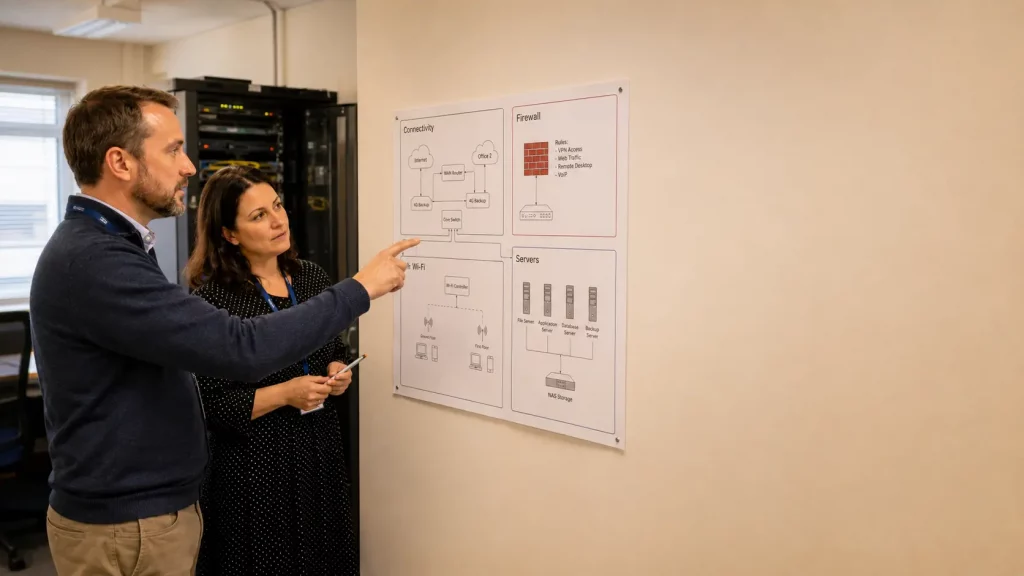
The list may include servers, network equipment, firewalls, Wi-Fi, remote access, hosted voice, payment systems, production systems and other specialist applications. It should also include the connections between them.
This does not need to become a large technical document. A useful first version can be a simple table showing the service, its owner, its supplier, its business purpose and what it depends on.
The important point is to avoid discovering the dependency during the maintenance window. If an update affects a firewall, for example, the business should already know which remote-access users, sites or systems rely on it.
2. Who decides which changes are urgent?
Not every update has the same business impact. The organisation needs a clear route for deciding what should happen first and who has the authority to act.
- Who receives relevant alerts or supplier notifications?
- Who assesses the potential business impact?
- Who agrees the timing of the change?
- Who confirms that the change has been completed and checked?
The owner does not have to be the person applying the technical change. What matters is that the decision does not sit in an unmonitored inbox or depend on someone remembering an informal conversation.
3. Do you have a maintenance window that reflects the real business?
A maintenance window is not simply a time when the office is quiet. It needs to reflect how the business actually works.
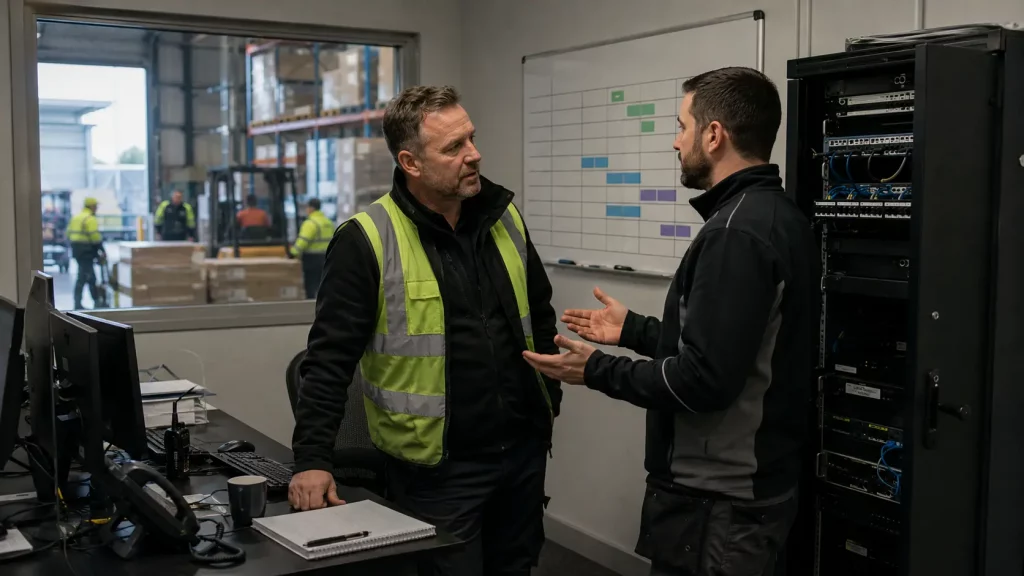
Consider customer deadlines, production shifts, warehouse activity, remote staff, overnight processing, hosted voice and access to essential systems. A change that looks safe at 7pm may still affect an evening team, a remote worker or a service that customers use outside normal office hours.
The business should also agree how people will be told about the change, what level of disruption is acceptable and who can stop or escalate the work if the expected result does not appear.
4. Who monitors the environment after the change?
A patch or other maintenance change is not complete simply because the installation finished.
The business needs to know what will be checked afterwards. That may include connectivity, firewall behaviour, remote access, Wi-Fi, server availability, customer-facing services or other operational functions. The exact checks depend on the environment.
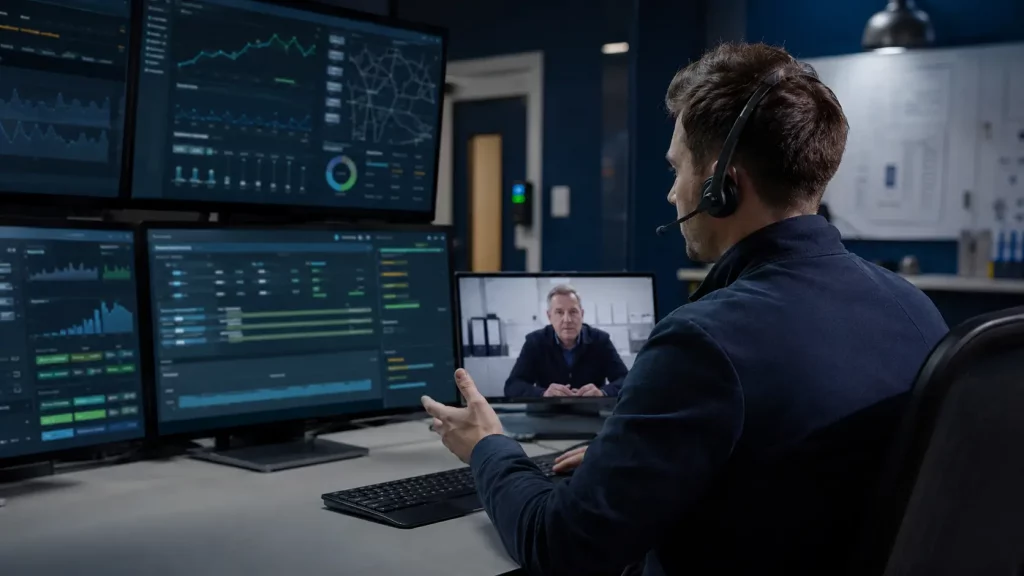
A monitored environment gives the responsible team a better chance of seeing a change in behaviour early. It also creates a clearer record of what happened, when it happened and who needs to investigate.
5. What happens if the change causes a problem?
Before an urgent patch is applied, the business should understand the recovery route.
That means knowing which services are most important, what information or configuration is needed to restore them, who can make the decision to roll back or escalate, and how staff will communicate if normal systems are unavailable.
Some organisations may have backup or recovery options configured for particular systems. Others may have a manual process or a temporary workaround. The important point is to avoid treating recovery as an afterthought.
The business cost of waiting
A delayed maintenance decision can create a difficult choice. Apply the change quickly without enough context, or delay it while the business tries to assemble the information it should already have.
The business may lose staff time, disrupt customers, pull managers into technical conversations and end up in a long discussion between suppliers about where the problem sits. This is why the vulnerability patch wave should be treated as a management and visibility problem as well as a security problem.
Where 1Connect can help
1Connect’s Sentinel service is positioned around managed infrastructure, networking, security, Wi-Fi, servers, monitoring, firewall management, remote access, backup/recovery options, edge compute and virtualisation.
For a business preparing for more urgent maintenance activity, the useful conversation is a review of where infrastructure visibility, monitoring and proactive maintenance responsibilities sit today. It is not a promise that every patch will be automatic or that no problem will occur.
With 24/7 Network Operations Centre monitoring and one accountable team, Sentinel can provide a clearer route for understanding the infrastructure foundation and identifying issues that need attention. The exact scope depends on the business environment and configured services.
A practical next step
Before the next urgent update, ask your team to produce five answers:
- What systems and devices matter most to the business?
- Who decides which changes are urgent?
- When can important changes be made safely?
- Who monitors the environment afterwards?
- What is the recovery route if something goes wrong?
If the answers are unclear, that is useful information. It shows where a short infrastructure and responsibility review could reduce guesswork before the next maintenance decision arrives.
If you need a clearer view of infrastructure ownership, monitoring and proactive maintenance, 1Connect can discuss the current setup and whether Sentinel is a suitable fit.