AI integration and cyber risk now belong in the same business conversation. Small and medium-sized businesses are using AI tools for writing, admin, reporting, customer service ideas, marketing, data analysis and process automation, but the safeguards around those tools are not always keeping up.
Used well, AI can save time and help staff work through repetitive tasks faster. Used badly, it can expose sensitive information, weaken customer trust or automate a broken process at greater speed.
That is why AI integration should not be treated as “just another app”. For SMEs, it is a business technology decision with cyber, data and operational risks attached.
Recent UK cyber disruption at major brands such as Jaguar Land Rover, Marks & Spencer and Co-op has shown how quickly technology incidents can become business-continuity problems. Smaller businesses may not face the same scale of attack, but they can feel the impact faster if systems, data, suppliers or communications are disrupted.
Before your business starts relying more heavily on AI, here are six practical checks to make.
Table of Contents
1. Decide which business problem AI is meant to solve
AI works best when it is applied to a clear problem.
A vague goal such as “we should use AI” usually leads to scattered tools, unclear ownership and disappointing results. A better starting point is to identify one business process that is slow, repetitive or hard to manage.
For example:
- drafting first versions of customer emails;
- summarising meeting notes;
- organising enquiry information;
- preparing marketing ideas;
- turning rough notes into internal procedures;
- helping staff search through approved knowledge;
- creating first-draft reports for human review.
The key phrase is human review. AI can support the work, but the business still needs someone responsible for checking the output and deciding what happens next.
Before choosing a tool, write down:
- what process you want to improve;
- who owns that process;
- what good output looks like;
- what the AI tool is allowed to do;
- what it must never do without human approval.
If the process is unclear before AI, automation will usually make the confusion faster rather than better.
2. Check what data staff might put into AI tools
One of the biggest risks with everyday AI use is not dramatic. It is staff copying and pasting information without thinking about where it goes.
That might include:
- customer names and contact details;
- quotes and pricing;
- supplier emails;
- contracts or commercial terms;
- internal meeting notes;
- staff information;
- complaint details;
- confidential project information;
- usernames, passwords or access instructions.
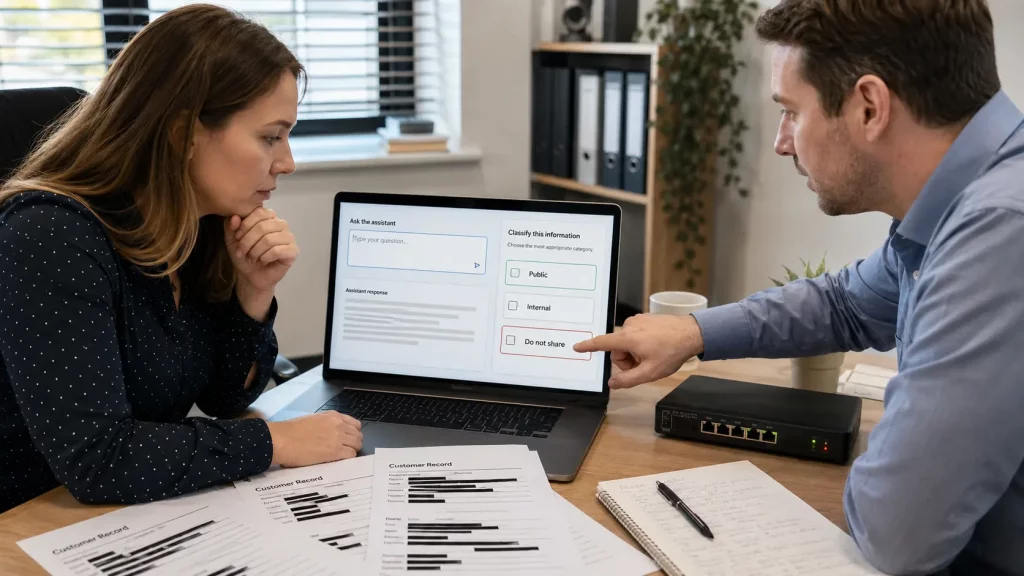
Before encouraging AI use, decide what information is safe to use, what needs anonymising, and what should never be entered into public or unapproved tools.
A simple rule can help:
If you would not send it to an unknown external supplier, do not paste it into an unapproved AI tool.
This does not mean AI is off-limits. It means the business needs a clear data boundary before staff start using it in live work.
3. Put approval around customer, finance and supplier actions
AI can make suggestions. It should not quietly take over decisions that affect customers, money or suppliers.
Higher-risk actions include:
- sending customer-facing advice;
- changing payment details;
- approving refunds or discounts;
- responding to complaints;
- placing orders;
- changing supplier records;
- making HR or performance decisions;
- publishing claims on the website;
- sending marketing messages to a live list.
These actions need human approval, clear responsibility and a record of what was checked.
This is especially important because phishing and impersonation remain common cyber risks for businesses. If staff are already under pressure, an AI-generated email, fake supplier request or rushed payment instruction can add another layer of confusion.
For SMEs, a practical policy is better than a long document nobody reads. For example:
- AI can draft, but a person sends.
- AI can summarise, but a person verifies.
- AI can suggest, but a manager approves financial or supplier changes.
- AI can help prepare marketing copy, but claims are checked before publishing.

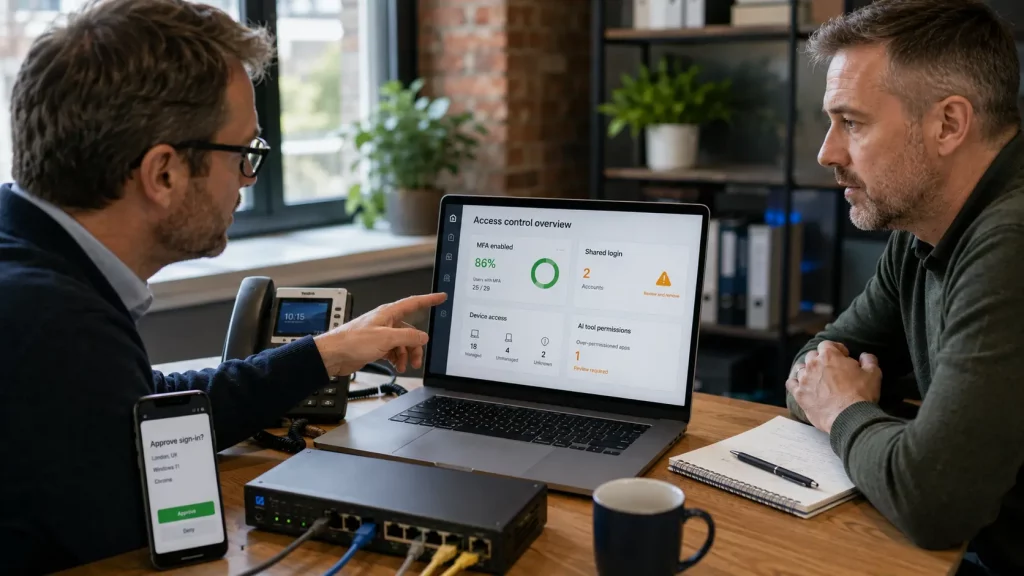
4. Review accounts, access and devices before scaling AI
AI tools often sit on top of the accounts, devices and networks staff already use. If those basics are weak, AI adoption can widen the risk.
Check:
- which staff accounts can access AI tools;
- whether two-factor authentication is enabled;
- whether shared logins are being used;
- whether staff use personal devices for business AI tasks;
- whether browser extensions or plug-ins have been installed without review;
- who can export data;
- who can connect AI tools to email, files or customer systems.
The question is not only “which AI tool are we buying?” It is also “what can this tool see, change or connect to?”
This is where AI integration overlaps with cyber readiness. Access control, managed devices, firewall protection, network visibility and supplier accountability all matter more when business processes become more connected.
5. Plan for mistakes, outages and recovery
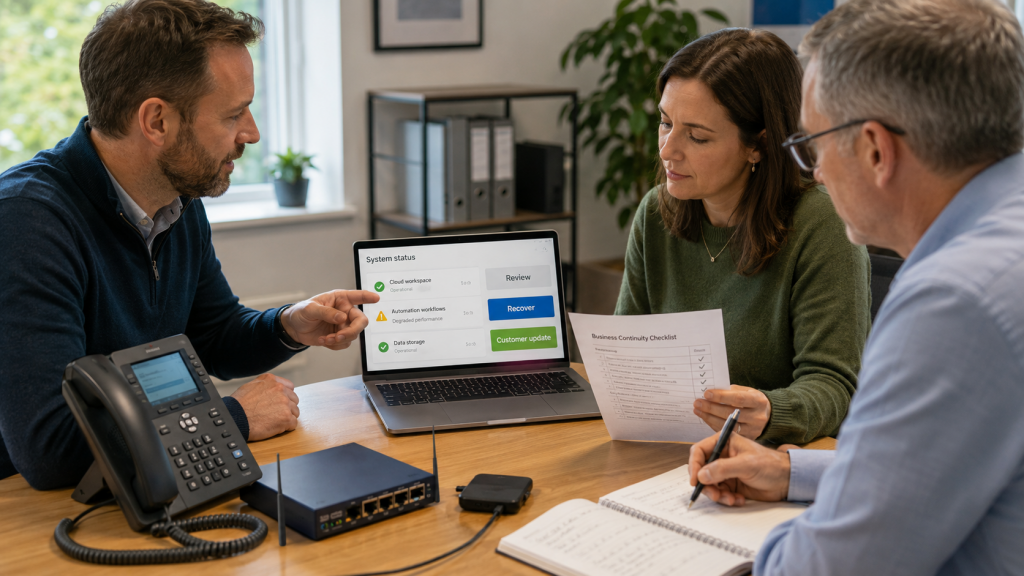
AI tools can produce wrong answers. Cloud services can go down. Staff can misunderstand outputs. Automations can send the wrong thing to the wrong place.
That does not make AI unusable, but it does mean the business needs a recovery mindset.
Ask:
- How would we spot a bad AI-generated output?
- Who checks important work before it goes live?
- Can we reverse an automated action?
- Are important files and systems backed up?
- Do we know who to contact if a tool or integration fails?
- Would the business still function if the AI tool was unavailable for a day?
Recent cyber incidents affecting major UK brands show the wider point: technology failures can quickly become operational failures. The organisations that cope best are usually the ones that know what depends on what, who owns the response and how the business keeps moving.
6. Treat AI integration as a managed business project
The safest AI projects are usually not the flashiest. They are practical, controlled and linked to real business outcomes.
A sensible first AI integration project might be:
- one team;
- one workflow;
- one approved tool;
- one data boundary;
- one human approval route;
- one review after 30 days.
That gives the business a chance to learn before rolling AI into more sensitive areas.
It also makes the technology conversation more joined up. AI integration touches digital processes, staff training, data security, networks, devices, suppliers and business continuity. Those things should not sit in separate silos.
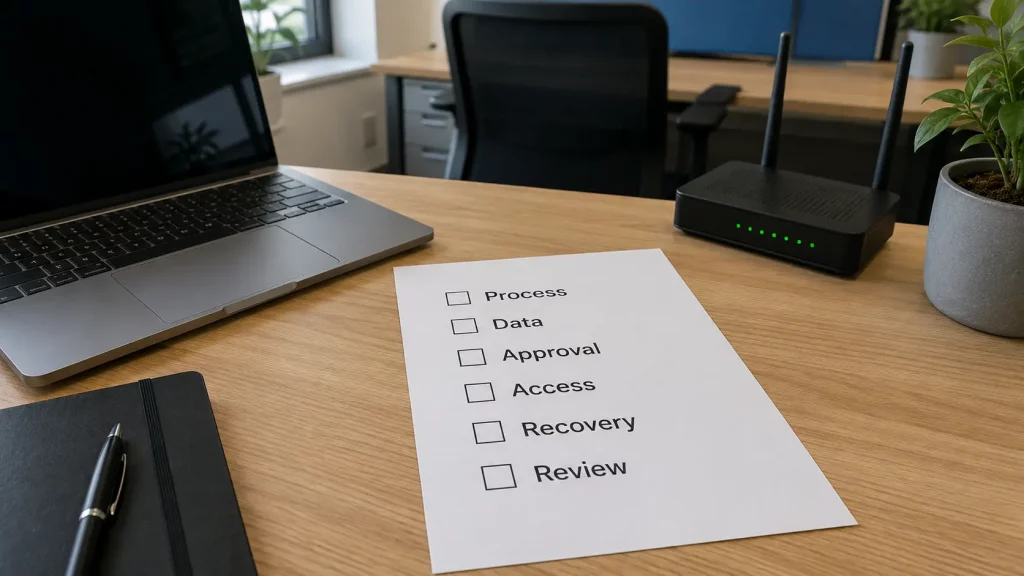
A practical AI readiness checklist for SMEs
Before adopting or expanding AI, get these answers onto one page:
- What business process are we improving?
- Who owns the process?
- What data will the AI tool handle?
- What information is not allowed in the tool?
- Who checks outputs before customers, suppliers or staff see them?
- Which accounts, devices and systems does the tool connect to?
- What happens if the tool is wrong or unavailable?
- How will we review whether it actually saved time or improved quality?
This does not need to slow the business down. It helps AI adoption become useful, safe and measurable.
How 1Connect can help
1Connect works with businesses across connectivity, cybersecurity, managed technology, digital services and practical business systems.
If your team is starting to use AI, or if you are considering automation inside the business, it is worth reviewing both sides of the project:
- where AI could genuinely save time or improve workflows;
- what security, access, data and continuity checks should be in place first;
- whether the project needs cloud tools, local devices, or dedicated AI hardware.
For more demanding AI workloads, some businesses may also need to think about the hardware behind the project. As 1Connect develops its NVIDIA partnership, the team will be able to offer consultative guidance around NVIDIA-powered options including DGX and RTX products, with suitability, pricing and availability confirmed by quote.
AI can be a useful tool for SMEs, but it works best when the foundations are clear. Before you automate more of the business, make sure the process, people and protection around it are ready.
Want to explore where AI could safely help your business? Speak to 1Connect about a practical AI and technology-readiness review.